

Use CasesFinancial Reporting
Spend your time analyzing reports, not just building them.
Drivetrain builds your board, investor, and internal reports automatically from your source data. Get back the days you lose to manual prep, and focus on helping your business make better decisions.
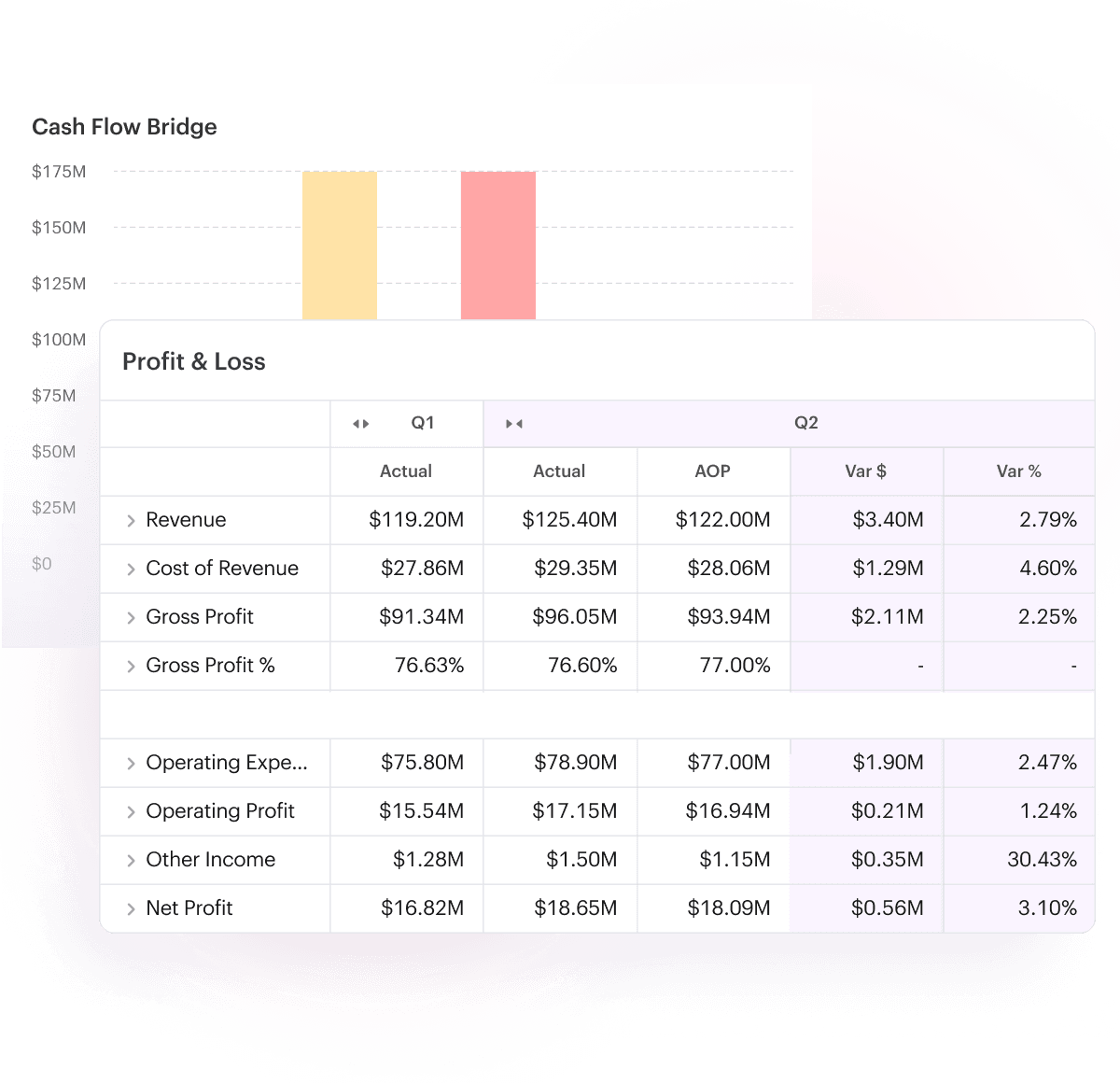















Reporting shapes every decision,
yet it's your most manual work
- Board packs, investor updates, and internal reports are rebuilt from scratch after every close.
- Finding out what’s driving a variance takes hours of digging to get the answer.
- Every request for data goes to finance, so stakeholders wait, and FP&A becomes the bottleneck.
Automate financial reporting so you can focus on driving decisions
[ 01 ]
Remove the manual data assembly
work from reporting.
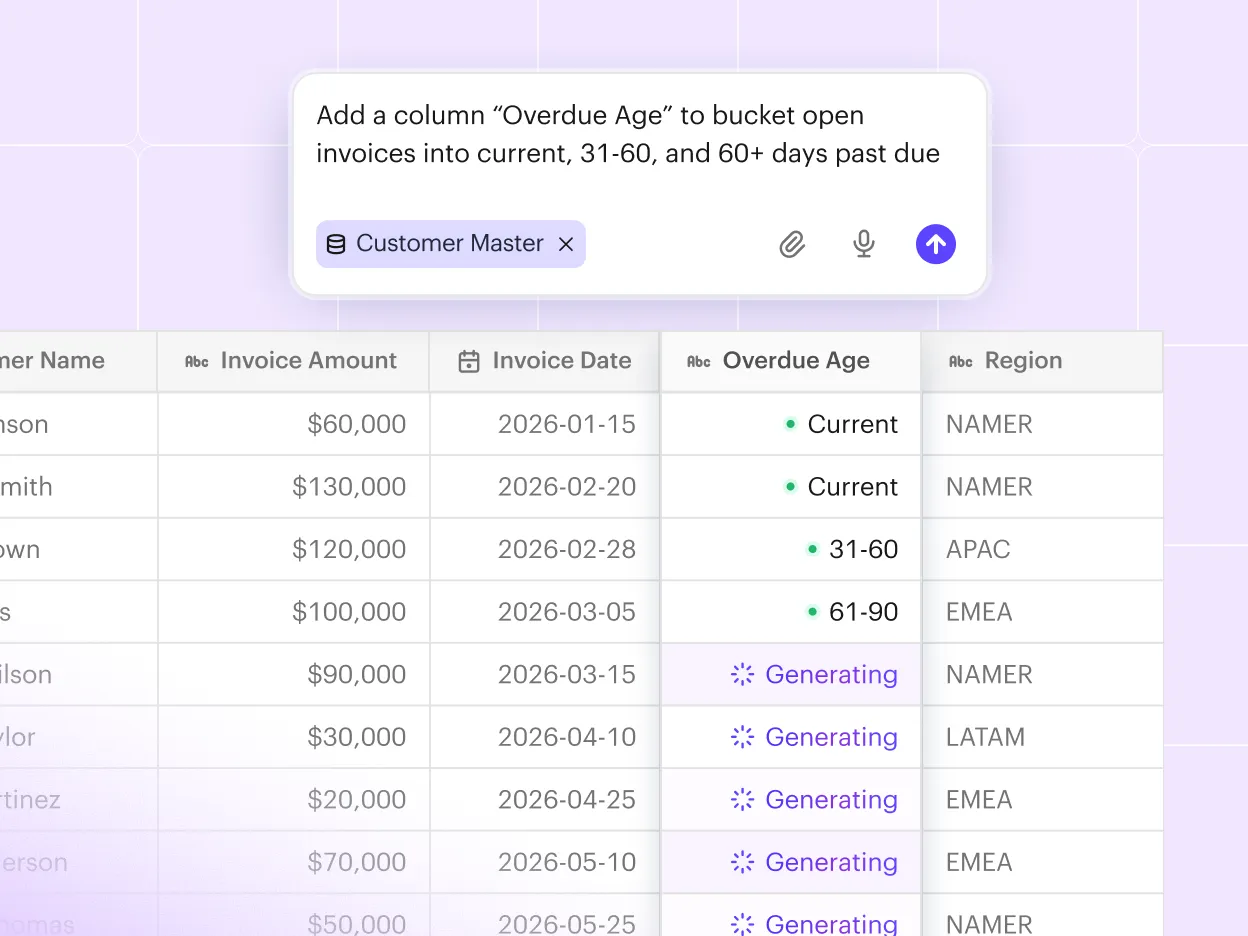
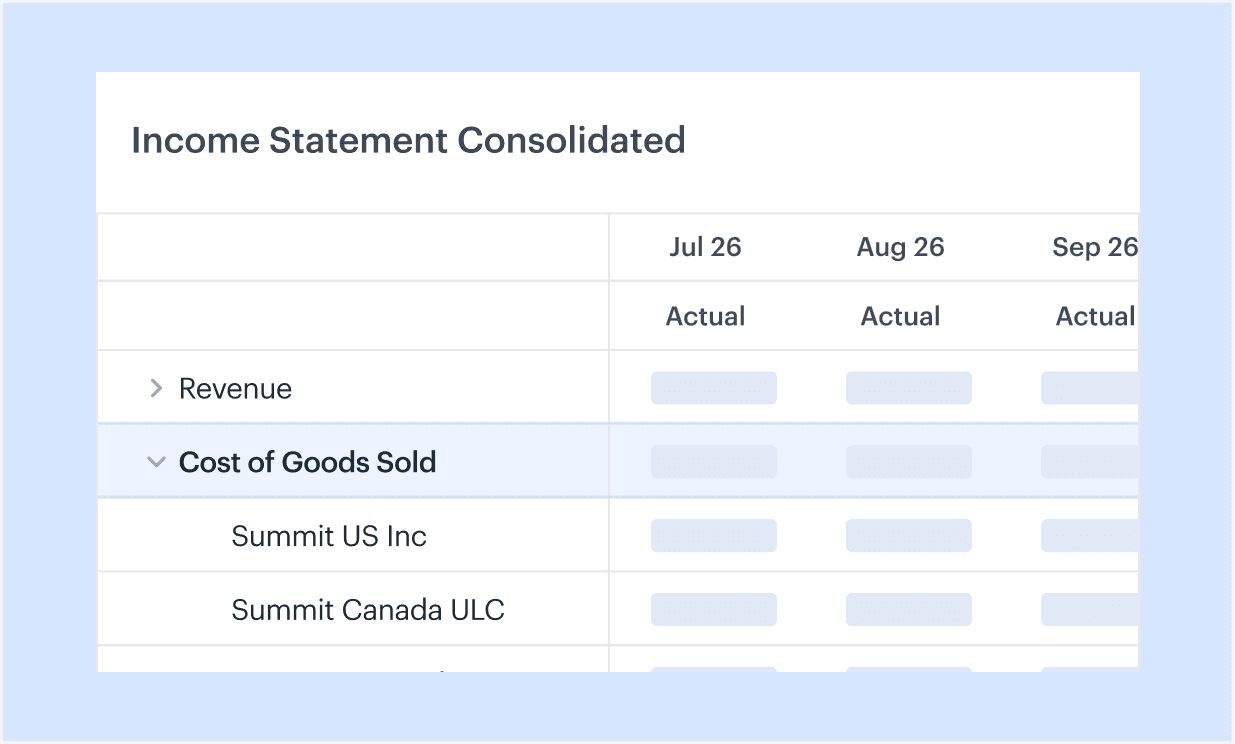
Drivetrain pulls real-time data from your ERP, CRM, and other systems. The native consolidation module automatically rolls up entities and currencies.
Use AI to clean, transform, and classify messy data, and flag anomalies before they reach your report, so you start with numbers you can trust.
[ 02 ]
Financial reports that are always
board-ready.
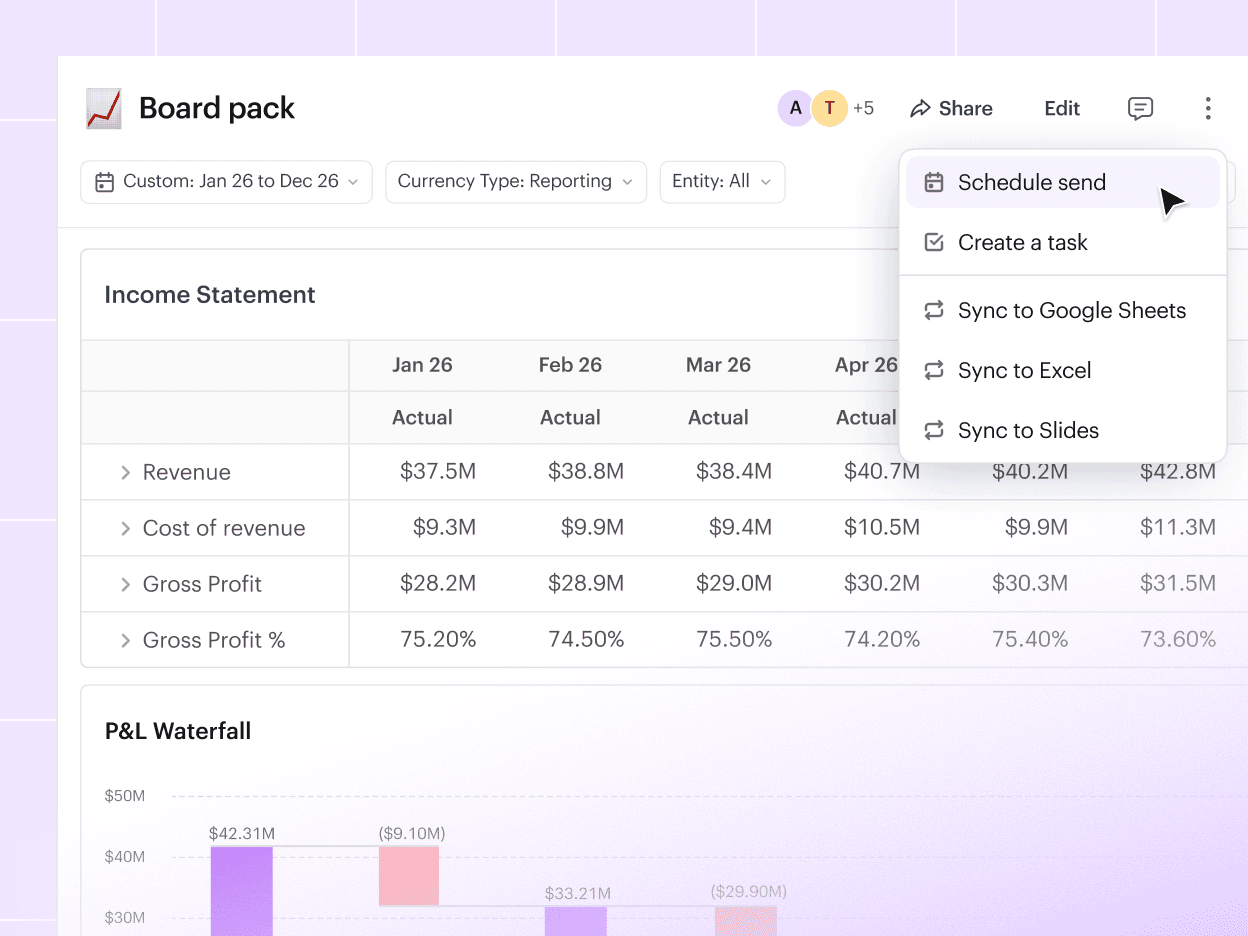
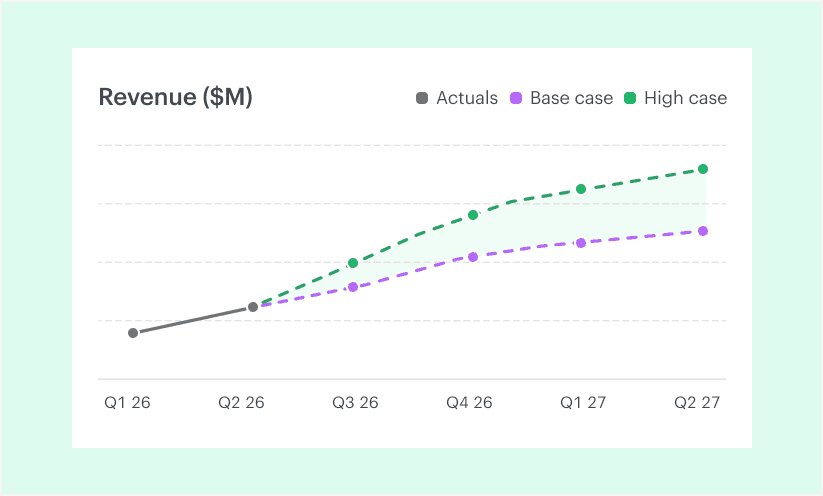
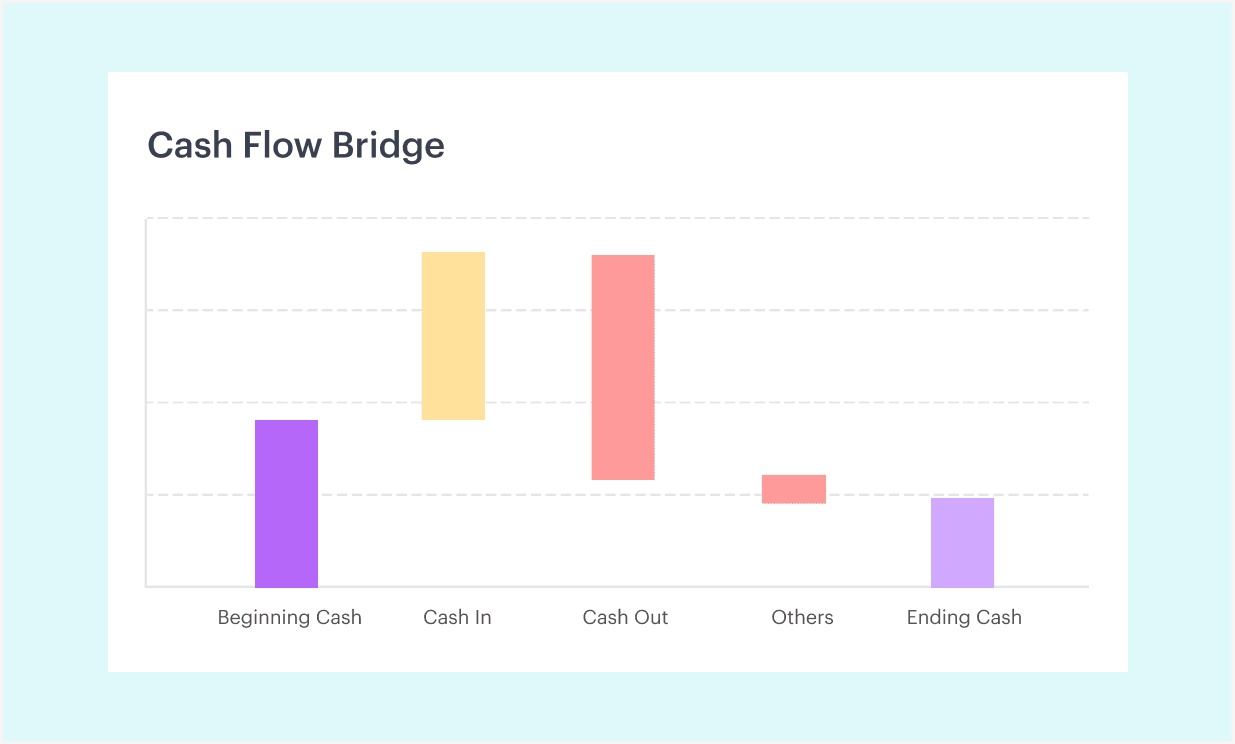
Build custom financial reports in the format your board and investors expect. No more wrangling templates or rebuilding the same report every time.
Present from Drivetrain, or use the Excel plugin to keep your board materials up to date. Schedule and share view-only reports so your board always sees the latest numbers.
[ 03 ]
Answer “what moved and why”
in minutes.
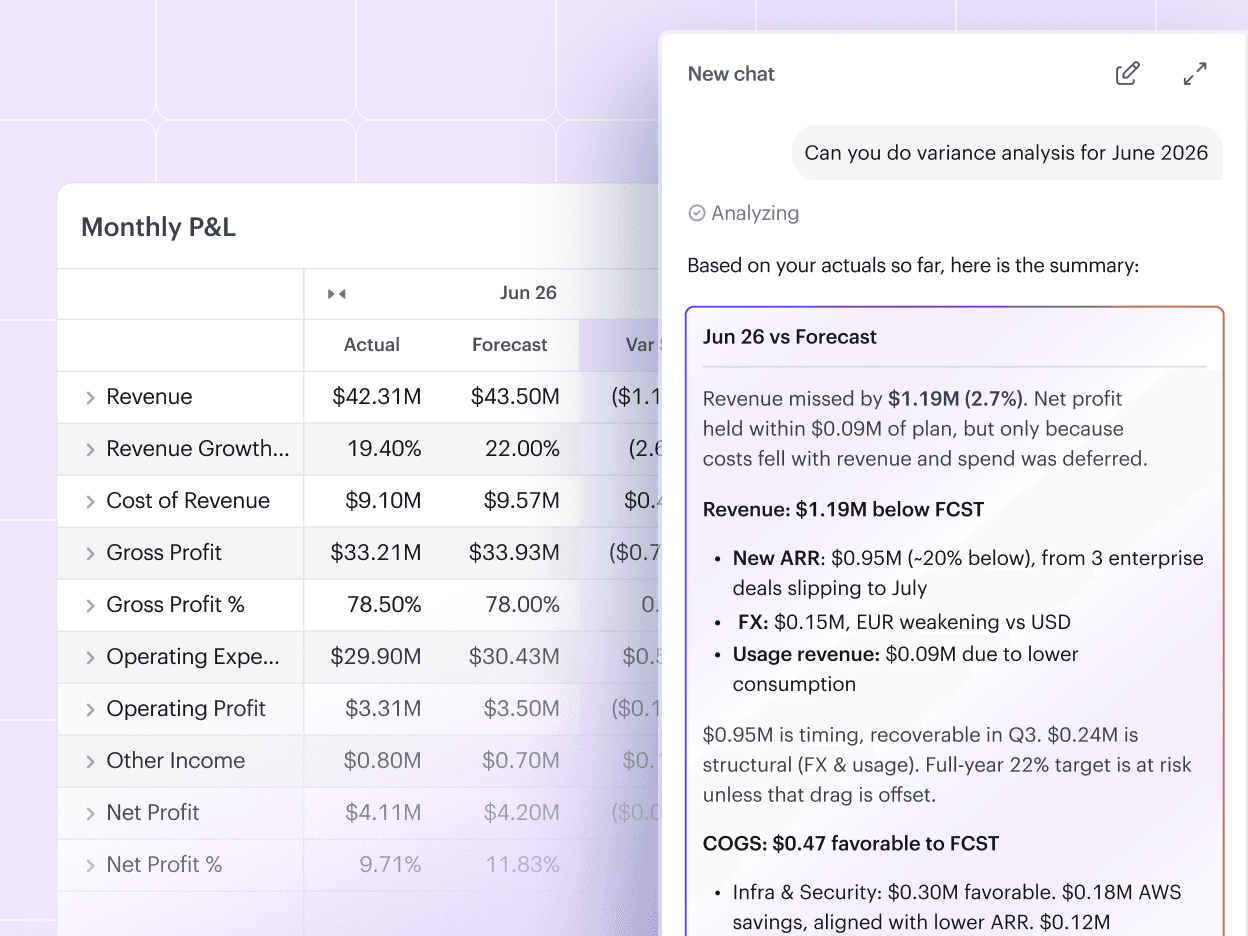
Slice the data by any dimension and drill all the way down to the transaction level to identify the root cause.
Or even better, use AI to run the budget vs. actuals analysis, identify the exact drivers behind each variance, and draft the commentary for you.
[ 04 ]
Democratize your data so decisions
get made faster.
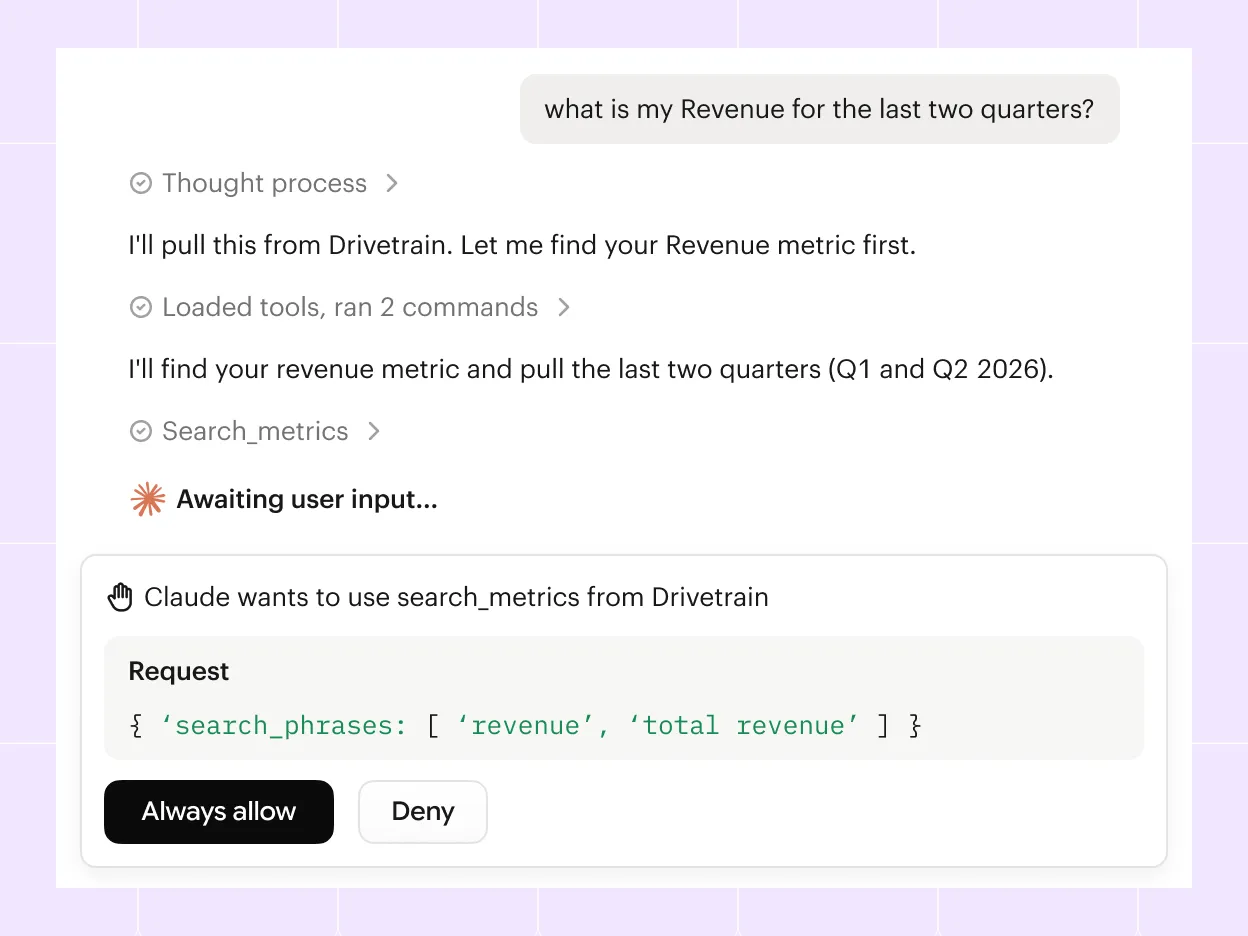
Anyone can build and analyze a report with AI without going to finance. Role-based access controls mean everyone sees only what they should.
Through Drivetrain's MCP server, your team gets answers to their questions inside the tools they already use, like Claude and ChatGPT, with their permissions following them.


“Drivetrain automated a majority of our financial reporting, from board decks and monthly closes to flux analyses and BvAs out to budget owners. It saved us significant time just a few months after we began implementation.”
 Andrew De FantiFP&A Manager



See how financial reporting works on Drivetrain
Modern finance teams use Drivetrain to do more
Can you connect to our ERP and auto-create our financial statements?
Can you build the reports in our company's format?
Can I go back and see exactly what we reported to the board last quarter?
Will the AI show me what's driving a variance? Can I drill down to find out why?
How many levels deep can I drill? Can I keep peeling back like I would in Power BI or Looker?
Can I control who sees what—for example, hide salaries from some viewers?
Can I link it live to our Excel and Slides board deck?
Can I give the board and investors view-only access?
How accurate is the AI?
Still preparing your financial reports manually?
See how Drivetrain turns your source data into board-ready reports automatically.