
Use CasesBudgeting
Build, share, and track your budget without the spreadsheet chase.
Bring your entire business into one tool, so budget owners can provide their inputs without finance chasing them. Track budget vs. actuals as the numbers come in, so everyone can see where they stand.















Budgeting is a collaborative exercise, but
your current tools weren’t built for it
- Chasing budget owners and collecting their inputs requires a lot of back-and-forth over email.
- Spreadsheets don't scale: no version control, no collaboration, a separate budget per owner.
- Tracking budget vs actuals requires recreating the same report each month.
- Re-forecasting or a what-if means rebuilding the model, so decisions get stalled on finance.
Collaborate, track, and re-forecast in Drivetrain
[ 01 ]
Work with your budget owners
in one place.
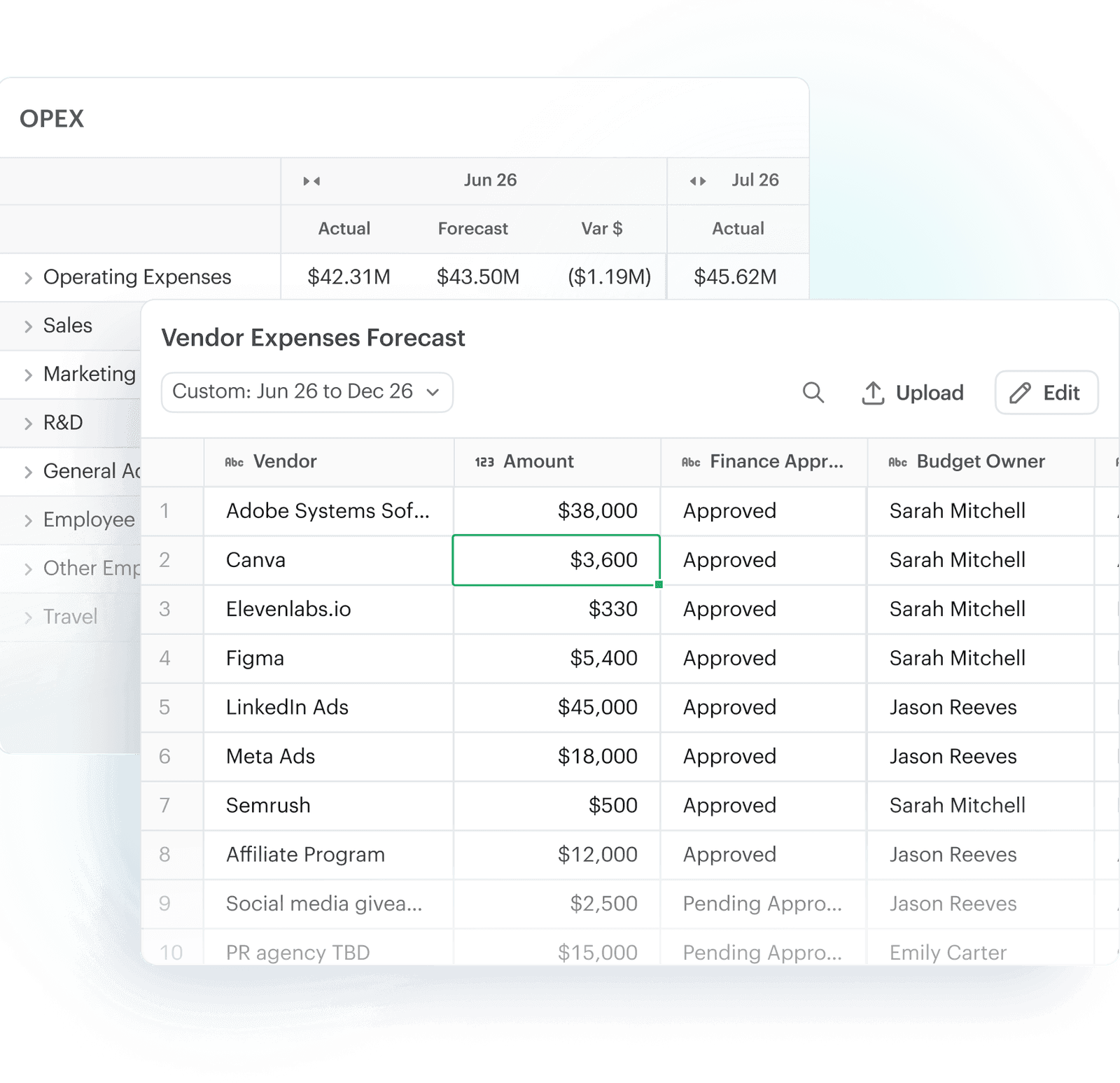
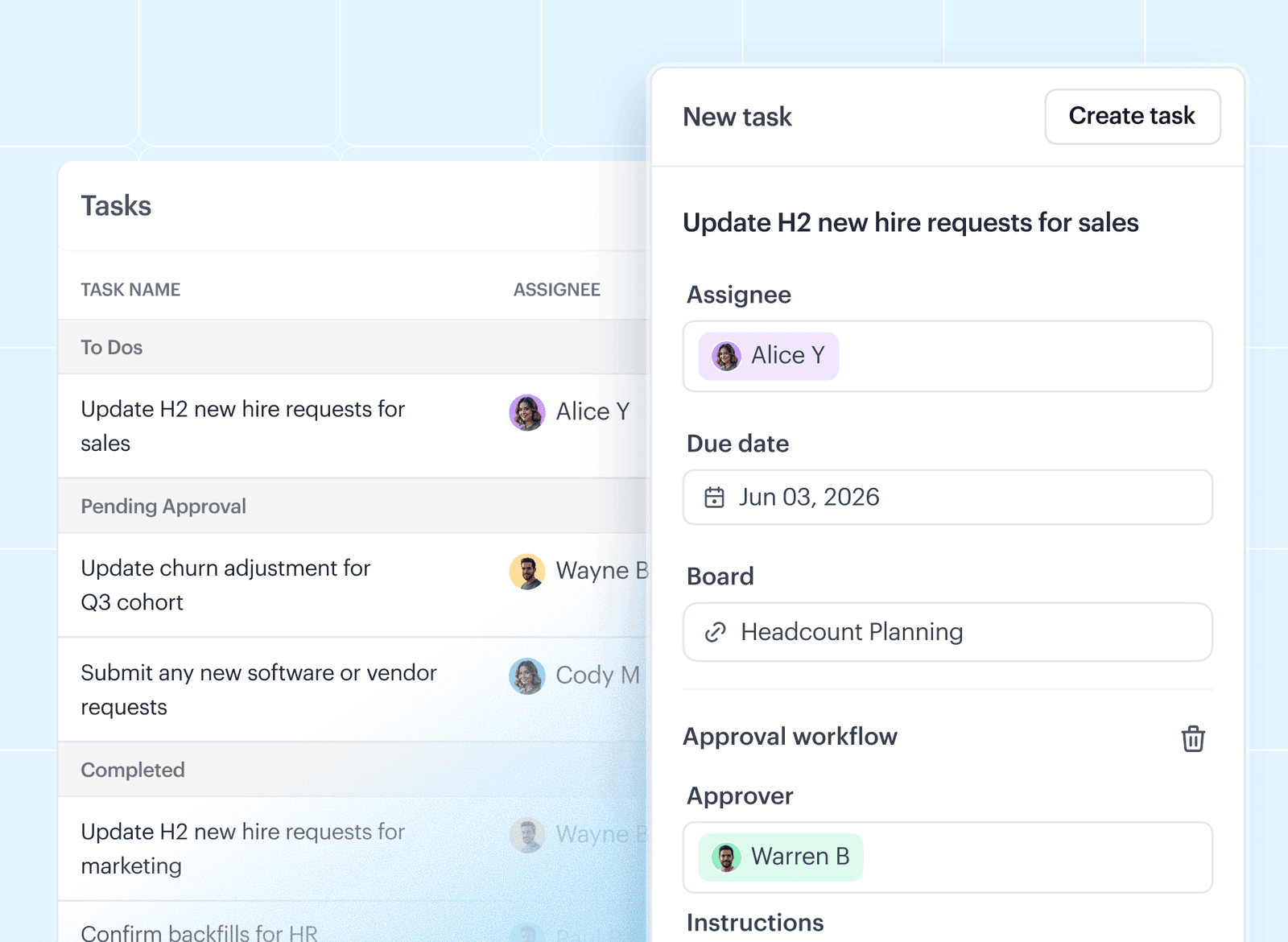
Each department head provides their input via their own budget template. Approval workflows ensure you review all requests before they hit the plan.
Role-based access means each budget owner only sees what's meant for them. And in-product comments keep all the back-and-forth in one place.
[ 02 ]
Get through budget season
without the grind.
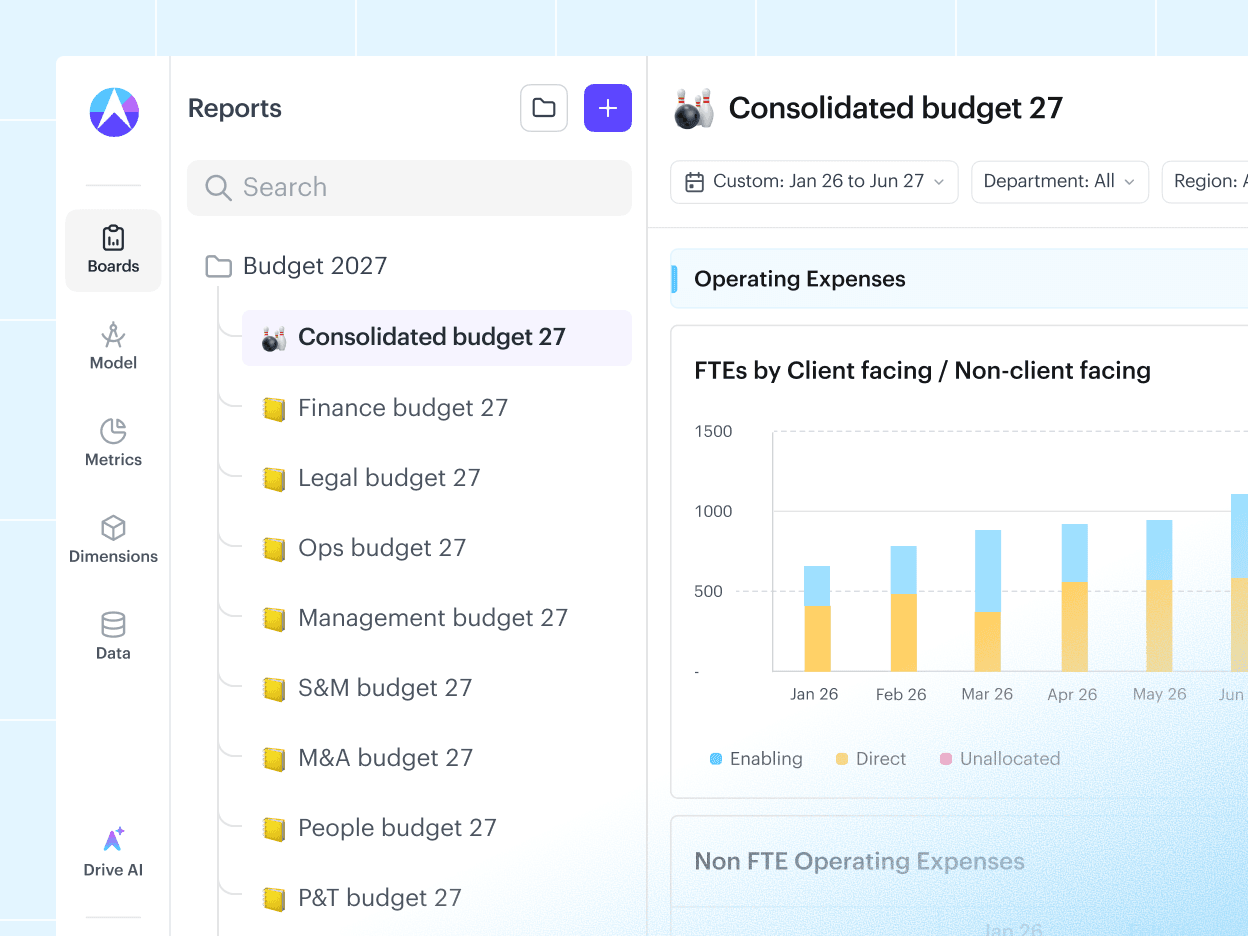
As teams submit their inputs, everything rolls up into one consolidated budget. Version control keeps every iteration, so you can compare or roll back without hunting for "budget_v7_final_final".
Build top-down or bottom-up budgets. Model at any level of detail: by department, cost center, region, vendor, or customer.
[ 03 ]
Track budget vs. actuals
in real time.
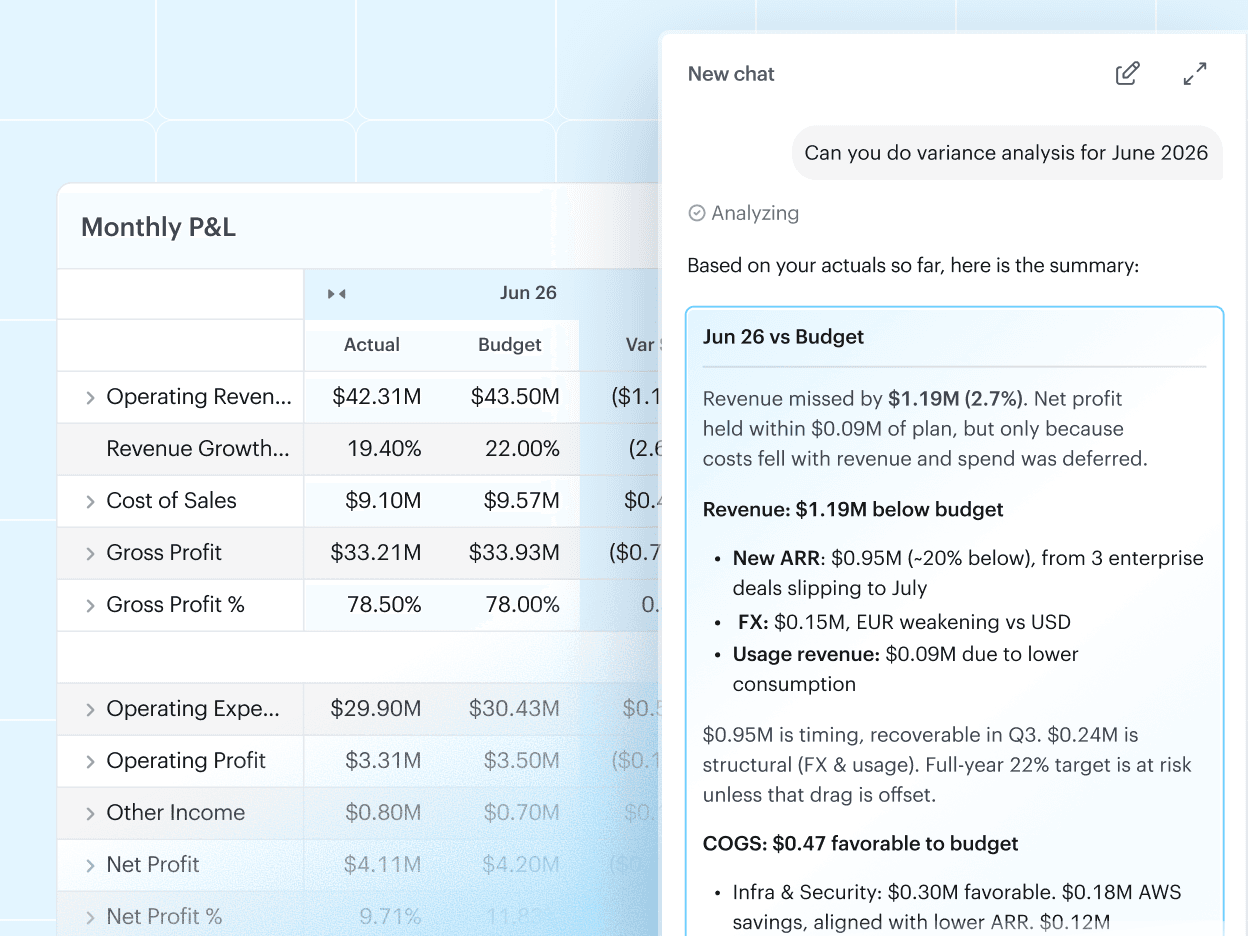
Lock the board-approved budget, then let actuals flow in from your ERP, CRM, and other sources, so BvA updates on its own instead of being rebuilt each month.
AI writes the variance commentary, explaining what moved and why. And every budget owner can see how their own numbers are tracking without waiting on finance.
[ 04 ]
Re-forecast and run what-ifs
in minutes.
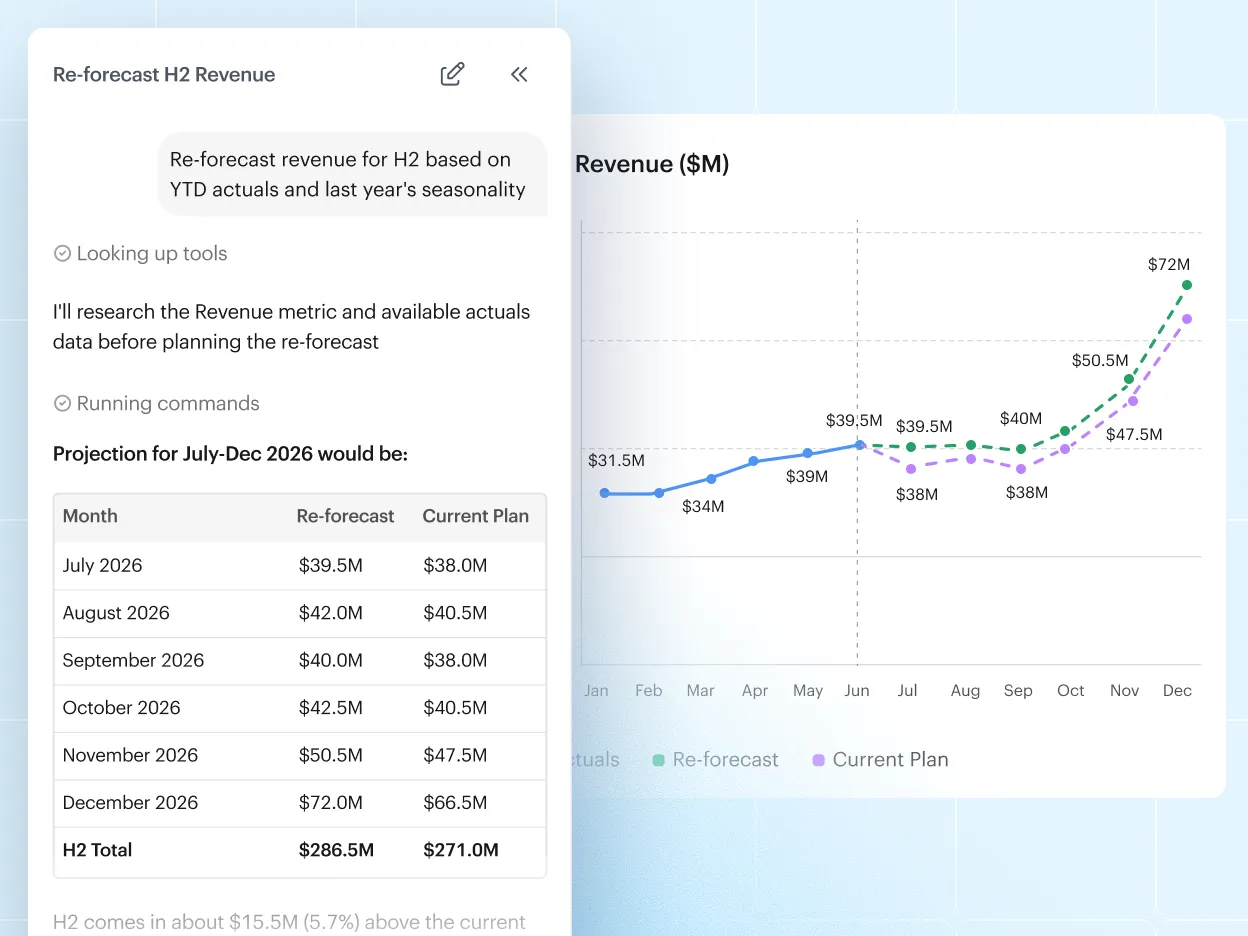
Re-forecast against the locked budget in minutes. Describe the change in plain English, and AI updates the model for you.
Finance and budget owners can run scenarios on their own. Just ask "what if we add $20M to marketing," and see the impact on cash and P&L right away.


“I wanted a tool that serves my forecasting & reporting needs, but also something that would allow for cross-functional collaboration. Drivetrain's reports are perfect for this, with features like tagging people in comments, user-level restrictions, customizable graphs.”
 Andrew De FantiFP&A Manager



See how budgeting works on Drivetrain
Modern finance teams use Drivetrain to do more
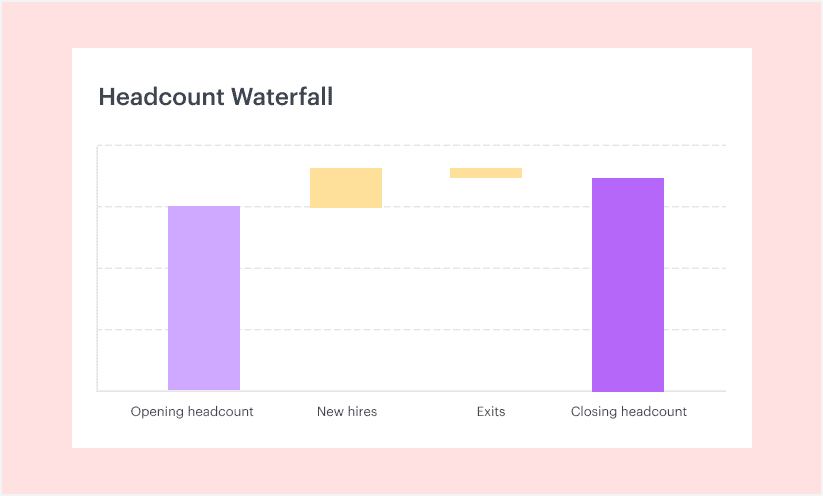
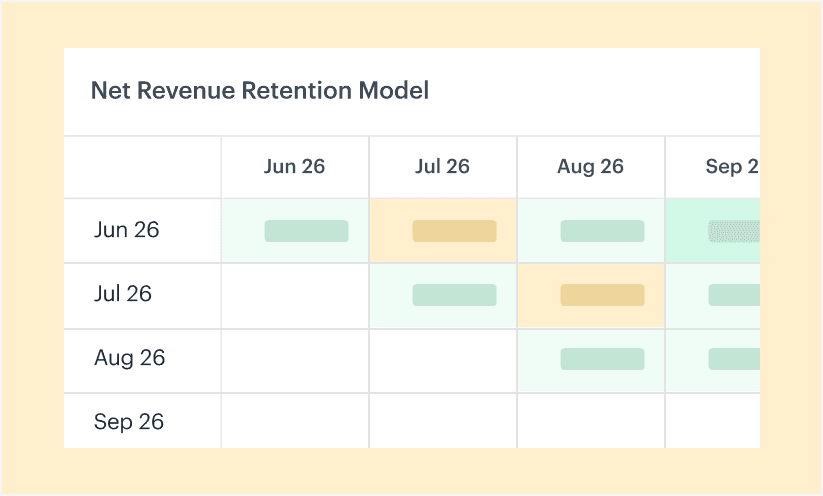
Can I let each budget owner see and edit only their own budget, without exposing salaries or letting them touch the core model?
Can we budget the way we actually do it—by department, vendor, region, customer, or event—not just a high-level rollup?
How can I review and approve what budget owners submit before it lands in the plan?
Can we do budget vs actuals at the vendor and department level, and is the variance automated?
Once the budget is board-approved and locked, how do I make a mid-year change without breaking it?
Can we budget in local currencies and consolidate in USD, without rebuilding FX columns every year?
Still chasing budget owners over email?
Less back-and-forth, real-time budget vs actuals, and every owner in one place.